FDIC Insurance Explained: What the New Banking Rules Mean for You (2026)
Banks and fintech apps are changing how they show FDIC insurance—and that’s good news for customers. Here’s a simple, customer-friendly explainer of what’s new and how it protects your money.
What Is FDIC Insurance?
The Federal Deposit Insurance Corporation (FDIC) protects your bank deposits if an insured bank fails—up to $250,000 per depositor, per insured bank, per ownership category. This includes checking, savings, money market deposit accounts, and CDs.

What Changed in 2026—and Why You’ll Notice It
1) Clearer Signs at ATMs
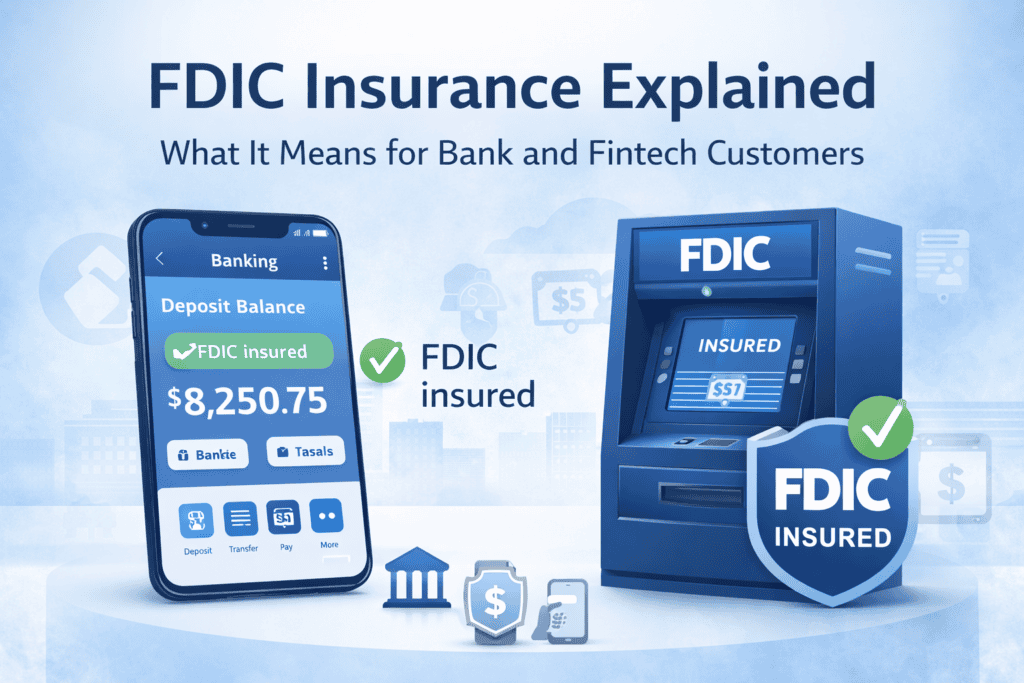
Banks must now show clear FDIC signs on ATMs and similar machines.
What this means for you: When you withdraw or deposit cash, it’s easier to know whether the account behind that machine is FDIC-insured.
2) Clearer FDIC Labels in Apps & Websites
For the first time, FDIC rules explicitly cover digital deposit-taking channels—mobile apps, websites, and fintech onboarding flows.
What this means for you:
- If an app accepts deposits, it must clearly show FDIC insurance where it matters (not hidden in fine print).
- Apps must avoid mixing insured deposits with non-insured products in ways that could confuse you.
3) Stricter Rules Against Misleading Claims
The FDIC tightened definitions to stop false or confusing use of the FDIC name or logo.
What this means for you:
- Apps and ads can’t imply FDIC insurance if it doesn’t apply.
- If a product isn’t a bank deposit (for example, investments or crypto), it must be clearly labeled as not FDIC-insured.
Common Questions (Quick Answers)
Is my money insured if I use a fintech app?
✔️ Yes—if your money is held at an FDIC-insured bank and the app clearly says so. The app itself isn’t insured; the bank holding your deposits is.
Are investments FDIC-insured?
❌ No. Stocks, bonds, crypto, and mutual funds are not FDIC-insured—even if offered inside a banking app.
How can I double-check insurance?
- Look for the FDIC logo near deposit balances.
- Check the app’s “About” or “Disclosures.”
- Search the bank name at fdic.gov to confirm insured status.
What to Look For Before You Deposit
- ✅ FDIC logo next to your deposit balance
- ✅ Clear language like “Deposits held at [Bank Name], FDIC-insured”
- ❌ Avoid apps that blur deposits with investments without clear labels
Why This Matters
These updates are designed to reduce confusion, especially as more people bank digitally. Clear labels help you know what’s protected—and what isn’t—so you can make safer financial choices.
Bottom Line
If you see clearer FDIC signs in ATMs and more obvious insurance labels in banking apps, that’s by design. The 2026 updates make it easier for you to trust where your money is—and understand the protection you have.